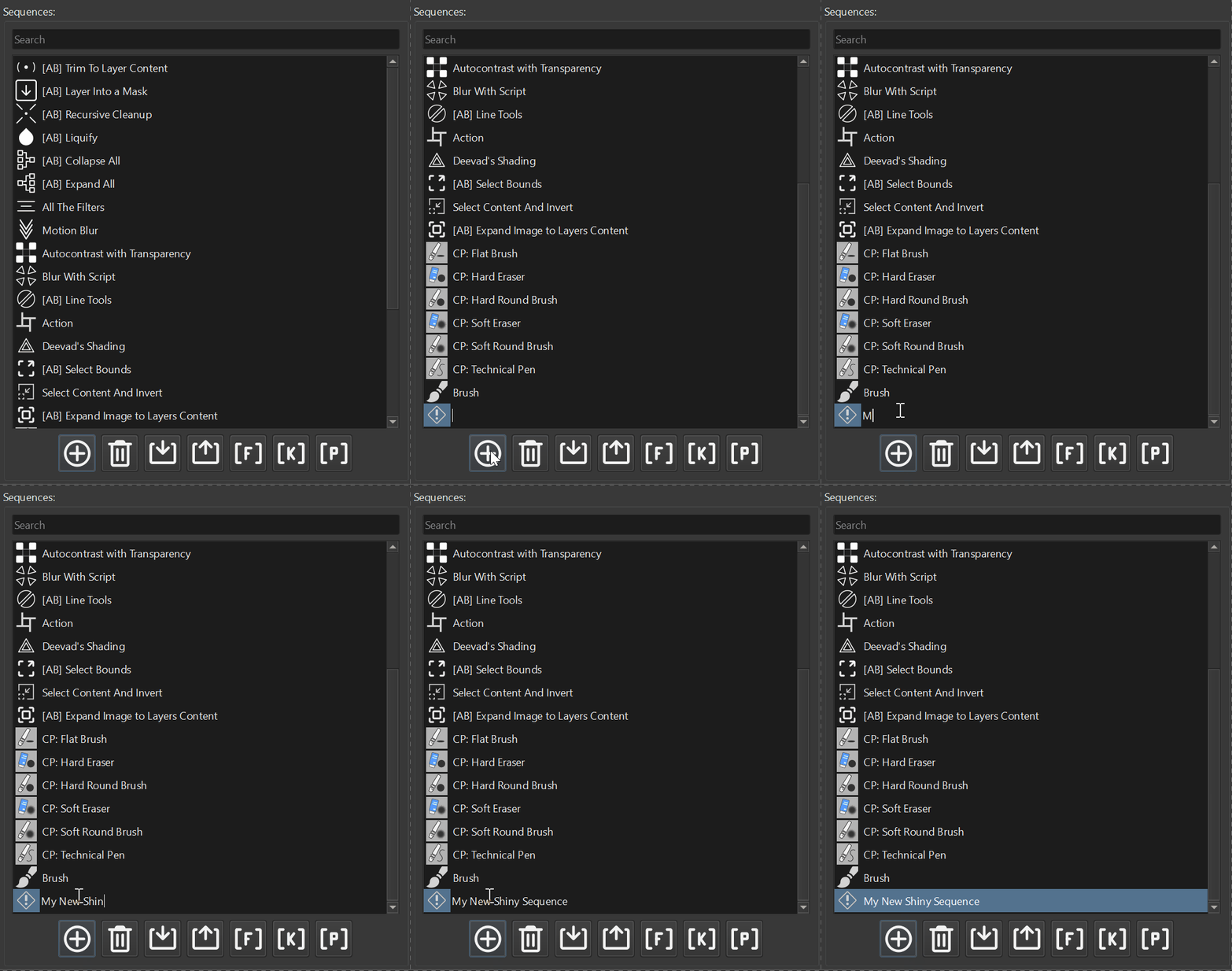
How to Add Custom Delay Between Steps Actuator
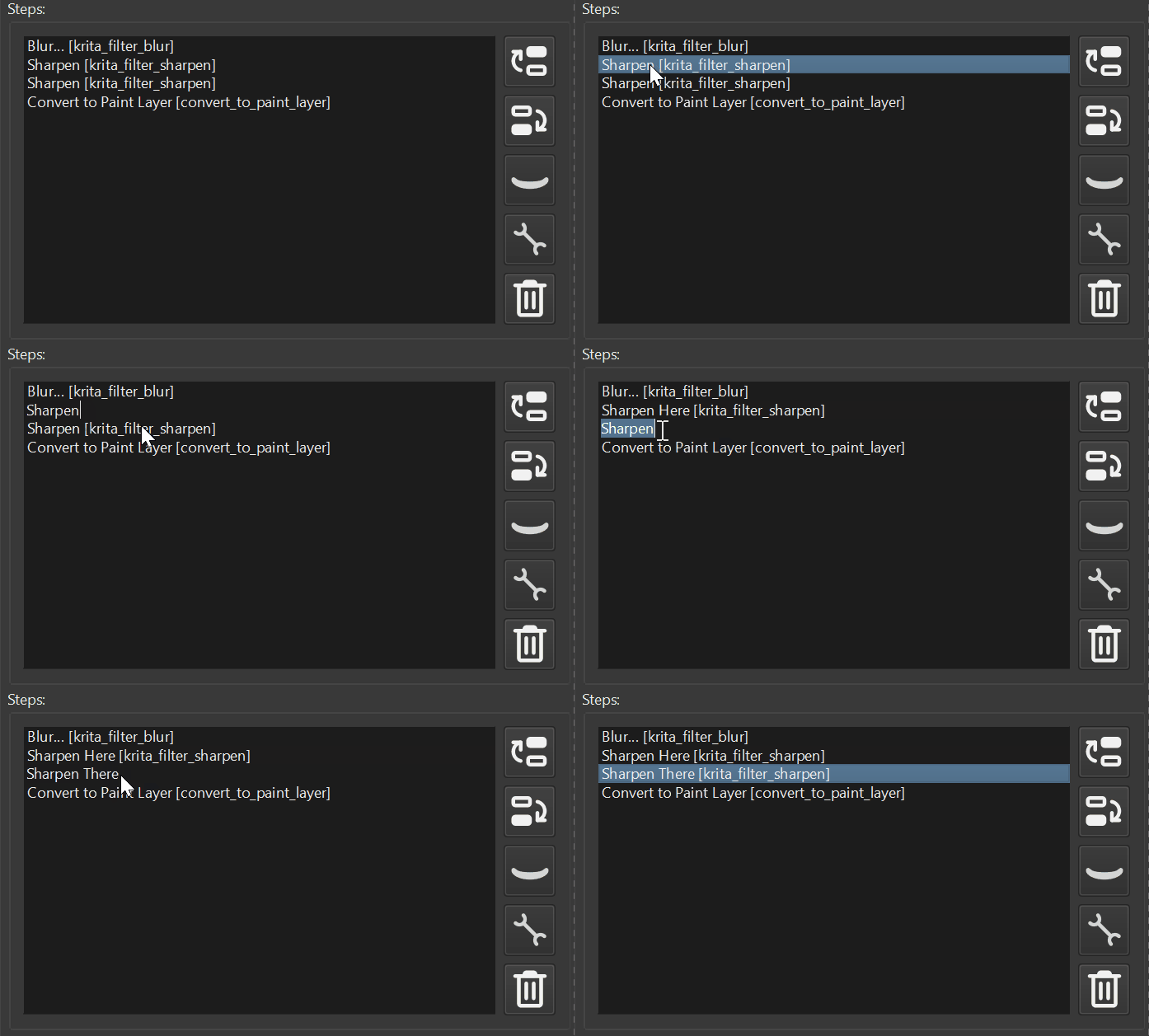
Tutorial on how to add a custom delay between sequence steps. Useful in case if you want to something different than default setting.
Tutorial on how to add a custom delay between sequence steps. Useful in case if you want to something different than default setting.
Showcase the ability of Actuator to create and place additional View for Krita in a second display and generate Key Stroke to place the window into a FanzyZone
Zoom the canvas to a user defined value. This sequence uses custom script as a step.
Apply specified blending mode to the set of selected layers.
Copy content of the layer and create a mirrored copy (horizontal right) on a new layer above using a Script Step in Actuator Plugin.

Clean all the pixels that are outside the canvas size using a script snippet as a part of a sequence for Actuator Krita Plugin.