This article guides you through the steps to create your own sequence that will export selection into a file into designated directory using Variables feature of Actuator Plugin.
If you wish to just get the sequence ready to go, you can download by this link.
Export as a script
To export selected image to file, the following script can be used.
import os
from datetime import datetime

from PyQt5 import QtWidgets

from krita import Krita


def timestamp():
    return datetime.now().strftime("%Y%m%d-%H%M%S-%f")[:-3]


def go():
    doc = Krita.instance().activeDocument()

    if doc is None:
        return

    selection = doc.selection()
    if selection:
        if selection.width() * selection.height() == 0:
            msg = "Seems t hat your selection is invalid."
            QtWidgets.QMessageBox.warning(None, "Warning", msg)
            return
    else:
        QtWidgets.QMessageBox.warning(None, "Warning", "No valid selection to export")
        return

    directory = str(
        QtWidgets.QFileDialog.getExistingDirectory(None, "Select Directory", "")
    )
    if not directory and not os.path.exists(directory):
        return

    w, h = selection.width(), selection.height()
    file_name = f"{timestamp()}-{w}-{h}.png"
    file_full_path = os.path.normpath(os.path.join(directory, file_name))

    Krita.instance().action("copy_merged").trigger()
    Krita.instance().action("paste_new").trigger()

    new_doc = Krita.instance().activeDocument()
    new_doc.setBatchmode(True)
    new_doc.saveAs(file_full_path)
    new_doc.waitForDone()
    new_doc.close()
    new_doc.waitForDone()
    new_doc.setBatchmode(False)


go()
This script is can actually be used without plugin, however there are couple of drawbacks to it.
Even though it will work for one time export, it could become pretty tedious to choose the target directory every time you want to export something.
Another issue with this script is the consecutive execution of actions one by one. Given the non-blocking design of QAction the action “paste_new” can finish earlier than “copy_merged”, which may cause problem.
Actuator can be used to make script more agile and to deal with QAction issue. The first aspect is to create a Variable. The second is to use Actuator’s Sequence Execution engine to run the actions.
Export as a Sequence
The script can be broken up to multiple parts.
- check if all inputs are valid (selection, output directory, etc.)
- trigger actions to make a copy of the selection as new image
- save the image
Let’s start with the checks.
To run the checks and sequence in general we will need to create a new variable for output directory that we will use later on. Go to the Actuator’s settings window. On the Variables tab and new variable named “selections-path”. It needs to be “String” type and the value of the variable is the valid path to the existing directory where you want your selections to be saved.
It is important to stop execution of the sequence if the selection is invalid, or if the path was not set correctly.
To force the Actuator to stope the execution we can raise the StopSequenceExecution exception. This will signal the plugin to not attempt to run any further steps.
The checks can be run as a separate script step.
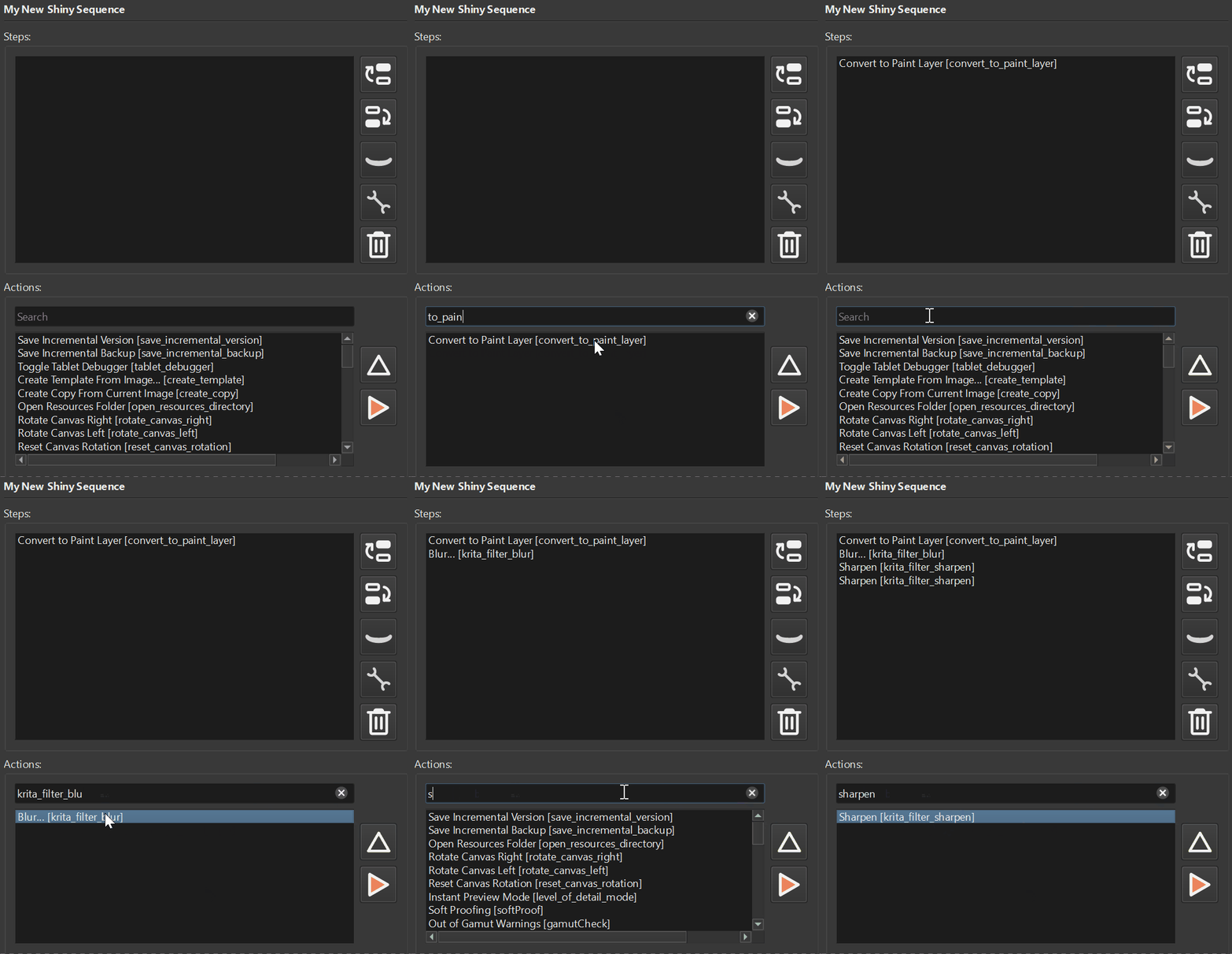
Create a new sequence if you have not done it already. Add “Custom Script” step. The content of the script will be as follows:
import os

from PyQt5 import QtWidgets

from krita import Krita

from actuator.api.common import StopSequenceExecution
from actuator.api.utils import state
from actuator.apicandidate.variables import get_variable_value

VAR_NAME = "selections-path"


def run_checks():
    doc = Krita.instance().activeDocument()

    if doc is None:
        raise StopSequenceExecution

    selection = doc.selection()
    if selection:
        if selection.width() * selection.height() == 0:
            msg = "Seems that your selection is invalid."
            QtWidgets.QMessageBox.warning(None, "Warning", msg)
            raise StopSequenceExecution
    else:
        QtWidgets.QMessageBox.warning(None, "Warning", "No valid selection to export")
        raise StopSequenceExecution

    selection = doc.selection()
    w, h = selection.width(), selection.height()
    state["size"] = w, h

    directory = get_variable_value(VAR_NAME)
    if directory is None or not directory or not os.path.exists(directory):
        msg = f"Seems like you forgot to set '{VAR_NAME}' to valid path."
        QtWidgets.QMessageBox.warning(None, "Warning", msg)
        raise StopSequenceExecution


run_checks()
In a nutshell what we do here is we validate whether the selection is present and it has non-zero size. Also, we check if the variable that represents the output path is set and valid. If everything is good, the script will just finish execution without errors which will let the Actuator proceed to the next steps.
Here in this step we also use neat feature of the Actuator’s API capabilities – the state. In the further steps we wish to the output file contain the size of the selection. And since we will run paste_new action it will open a new document and getting access to the selection would be tricky. So we save the selection size for later.
After the checks we need to add two actions, that can be added from the actions list. The actions are: “copy_merged”, “paste_new”. In this order, fist copy then paste.
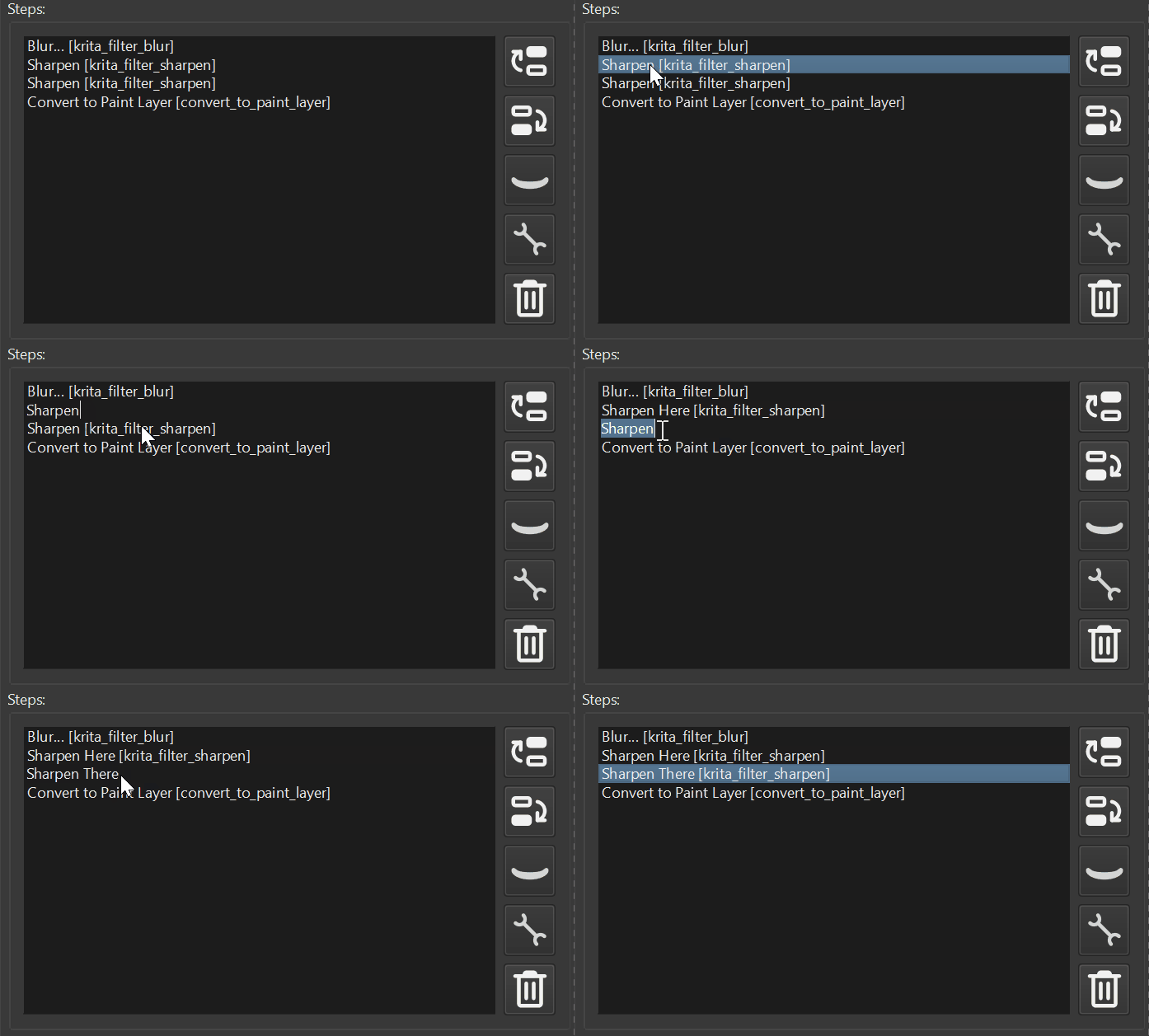
At this point the sequence now should contain three steps:
- Script with checks
- copy_merged action
- paste_new action
The last step is to actually save the document. For this we need to make another “Custom Script” step with the following content:
import os
from datetime import datetime

from krita import Krita

from actuator.api.utils import state
from actuator.apicandidate.variables import get_variable_value

VAR_NAME = "selections-path"


def timestamp():
    return datetime.now().strftime("%Y%m%d-%H%M%S-%f")[:-3]


def save_document():
    directory = get_variable_value(VAR_NAME)

    w, h = state["size"]
    file_name = f"{timestamp()}-{w}-{h}.png"
    file_full_path = os.path.normpath(os.path.join(directory, file_name))

    new_doc = Krita.instance().activeDocument()
    new_doc.setBatchmode(True)
    new_doc.saveAs(file_full_path)
    new_doc.waitForDone()
    new_doc.close()
    new_doc.waitForDone()
    new_doc.setBatchmode(False)


save_document()
That is it. You can now easily export selection to a file with a click of a button.
Now the sequence now should contain four steps:
- Script with checks
- copy_merged action
- paste_new action
- Script that saves new document